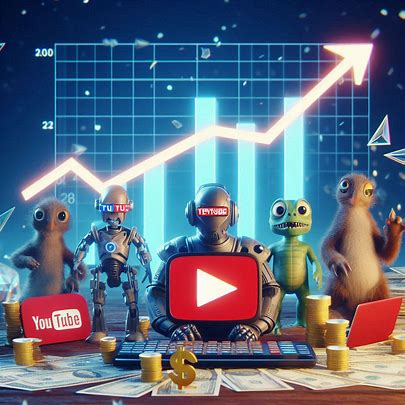
YouTube is continuing its push into AI-powered creation tools with the launch of "Reimagine" for Shorts. Built on Google Veo, this new feature allows users to transform a single frame from an existing Short into a brand-new 8-second AI-generated clip.
While the feature is already sparking debate about creativity and originality, it also opens up new possibilities for content production—especially for beginners. In this guide, we'll break down what Reimagine is, how it works, and how you can use it effectively.
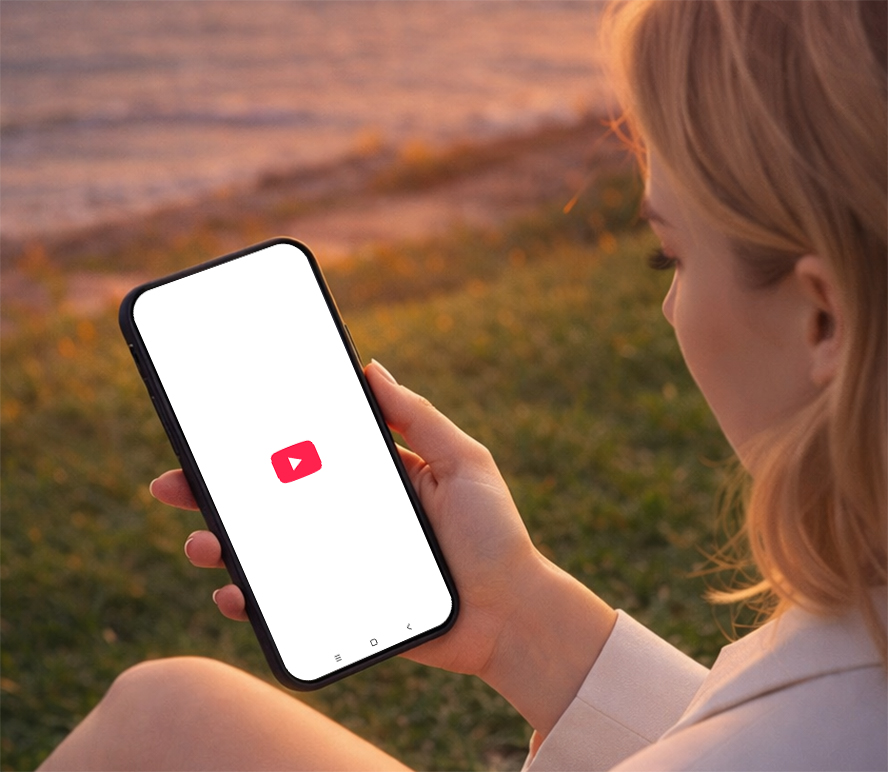
What Is YouTube "Reimagine" for Shorts?
"YouTube Reimagine" is an AI-assisted video generation feature that lets users:
Select a frame from an existing Shorts video
Apply preset transformation styles
Generate a new short clip (around 8 seconds)
Optionally blend in images from their own camera roll
Unlike traditional editing tools, Reimagine focuses on AI reinterpretation rather than manual creation, making it easier—but also more limited—than full creative workflows.
Key Features of Reimagine
1. AI-Powered Video Transformation
Using Google Veo, the tool converts static frames into dynamic short clips with motion, effects, and variations.
2. Preset Creative Styles
Instead of free-form prompting, users choose from predefined visual variations provided by YouTube, such as:
Cinematic effects
Stylized animations
Scene reinterpretations
3. Image Integration
You can upload a photo from your device and merge it into the generated clip, allowing for light personalization.
4. One-Tap Publishing
Once generated, the clip can be instantly posted as a new Short under your account.
How to Use YouTube Reimagine (Step-by-Step Tutorial)
Step 1: Open a Shorts Video
Browse Shorts in the YouTube app
Select a video you want to reinterpret
Step 2: Tap "Reimagine"
Look for the Reimagine button (if available in your region/test group)
Enter the AI creation interface
Step 3: Choose a Frame
Scrub through the clip
Pick a frame that will act as the base visual
Step 4: Select a Style
Choose from the preset transformation options
Preview how each style affects the output
Step 5: (Optional) Add Your Image
Upload a photo from your camera roll
Let AI merge it into the generated scene
Step 6: Generate & Publish
Tap generate
Review the 8-second AI clip
Post directly to Shorts
Best Use Cases for Creators
Even with limitations, Reimagine can be useful when used strategically:
1. Content Remixing
Create alternate versions of trending Shorts to ride viral waves.
2. Idea Prototyping
Quickly test visual concepts before investing in full production.
3. Low-Cost Content Creation
Perfect for beginners who lack filming equipment or editing skills.
High-Performing AI Shorts Templates
1. Viral Scene Remix
Best for: Trends, viral content, entertainment
Concept:
Take a recognizable moment and give it a completely different outcome.
How it works:
Pick a trending or visually strong frame
Apply a dramatic or cinematic style
Turn it into an alternate version of the original moment
Hook ideas:
"What if this ended differently?"
"This scene just got a plot twist…"
Why it works:
People already know the original—your version adds surprise and curiosity.
2. Before & After Transformation
Best for: Glow-ups, design, lifestyle content
Concept:
Show a clear visual change that feels satisfying to watch.
How it works:
Start with a simple "before" frame
Apply a transformation style
Reveal the "after" result
Hook ideas:
"Wait for the transformation…"
"This changed in seconds "
Why it works:
Transformation content is naturally engaging and easy to understand globally.
3. Alternate Reality / Fantasy
Best for: Creative visuals, storytelling, gaming
Concept:
Turn everyday scenes into something imaginative.
How it works:
Use a normal real-world frame
Apply a fantasy or sci-fi style
Show a completely different version of reality
Hook ideas:
"Same place, different universe"
"What if the world looked like this?"
Why it works:
It creates a sense of wonder and visual escape—great for shareability.
4. "Me in This Situation" (Reaction Insert)
Best for: Personal branding, relatable content
Concept:
Insert yourself into AI-generated scenes to create a reaction.
How it works:
Use a relatable or dramatic frame
Add your own image or presence
Turn it into a reaction-style clip
Hook ideas:
"If I was in this video…"
"My reaction would be this "
Why it works:
Relatability + personality = stronger audience connection.
5. Mini Story (8-Second Narrative)
Best for: Storytelling, emotional content
Concept:
Create a complete story in just a few seconds.
How it works:
Start with a strong visual
Let the AI generate motion or variation
Add a twist or ending
Hook ideas:
"This story took a turn…"
"You won't expect the ending"
Why it works:
Short-form storytelling keeps viewers watching till the end.
6. Quick Tips / Micro Learning
Best for: Educational, informative content
Concept:
Deliver fast, useful information with simple visuals.
How it works:
Choose a relevant visual
Generate a clean, focused clip
Add text overlay for clarity
Hook ideas:
"Learn this in 8 seconds"
"Quick tip you didn’t know"
Why it works:
Short, useful content performs well across all audiences.
Limitations You Should Know
Despite its convenience, Reimagine comes with trade-offs:
Limited creative control (preset-only options)
Dependence on existing content for inspiration
High risk of repetitive or generic outputs
Potential originality concerns in creator communities
This means it's better seen as a supplementary tool, not a replacement for original content creation.
Final Thoughts
"YouTube Reimagine" reflects a growing trend: lowering the barrier to content creation through AI. While it can help new creators get started, it also raises questions about creativity, ownership, and content quality.
For now, the smartest approach is balance—use AI tools like Reimagine to enhance your workflow, but don't rely on them entirely. In the long run, unique ideas and personal voice will still be what sets creators apart.